 EN
EN
 Dansk
Dansk  Deutsch
  Español
  Français
  Hrvatski
  Indonesia
  Italiano
  Magyar
  Nederlands
  Norsk
Norsk  Polski
  Português
  Română
  Suomi
Suomi  Svenska
  Tiếng Việt
  Türkçe
  Čeština
  Ελληνικά
  Русский
  Українська
  български
  ไทย
ไทย  日本語
日本語  简体中文
简体中文  한국어
한국어  עברית
עברית  العربية
DNS vs VPN vs Smart DNS — Differences Explained (2026)

Ever feel overwhelmed by all the techy tools out there promising a faster, safer, or more private internet experience? Whether you're looking to boost your connection speed, protect your personal data, or bypass geo-restrictions, it helps to understand what each option actually does.
Is DNS better or VPN? It depends on what you're after. VPNs are better for privacy and geoblocks, while Smart DNS is faster for streaming but doesn’t encrypt your traffic. In fact, nearly 50% of VPN users say they utilize VPNs for general privacy and security while browsing the internet1.
In this guide, I’ll break down exactly how DNS, VPNs, and Smart DNS work so you can choose the best option for your needs. I’ll cover which one gives you the strongest encryption, the fastest speeds, and the most reliable way to unblock content.
If you’re in a rush, my top recommendation is ExpressVPN — it’s fast, secure, and makes it possible to safely access the sites you need from anywhere. Plus, it comes with a money-back guarantee, so you can try it risk-free for 30 days*.
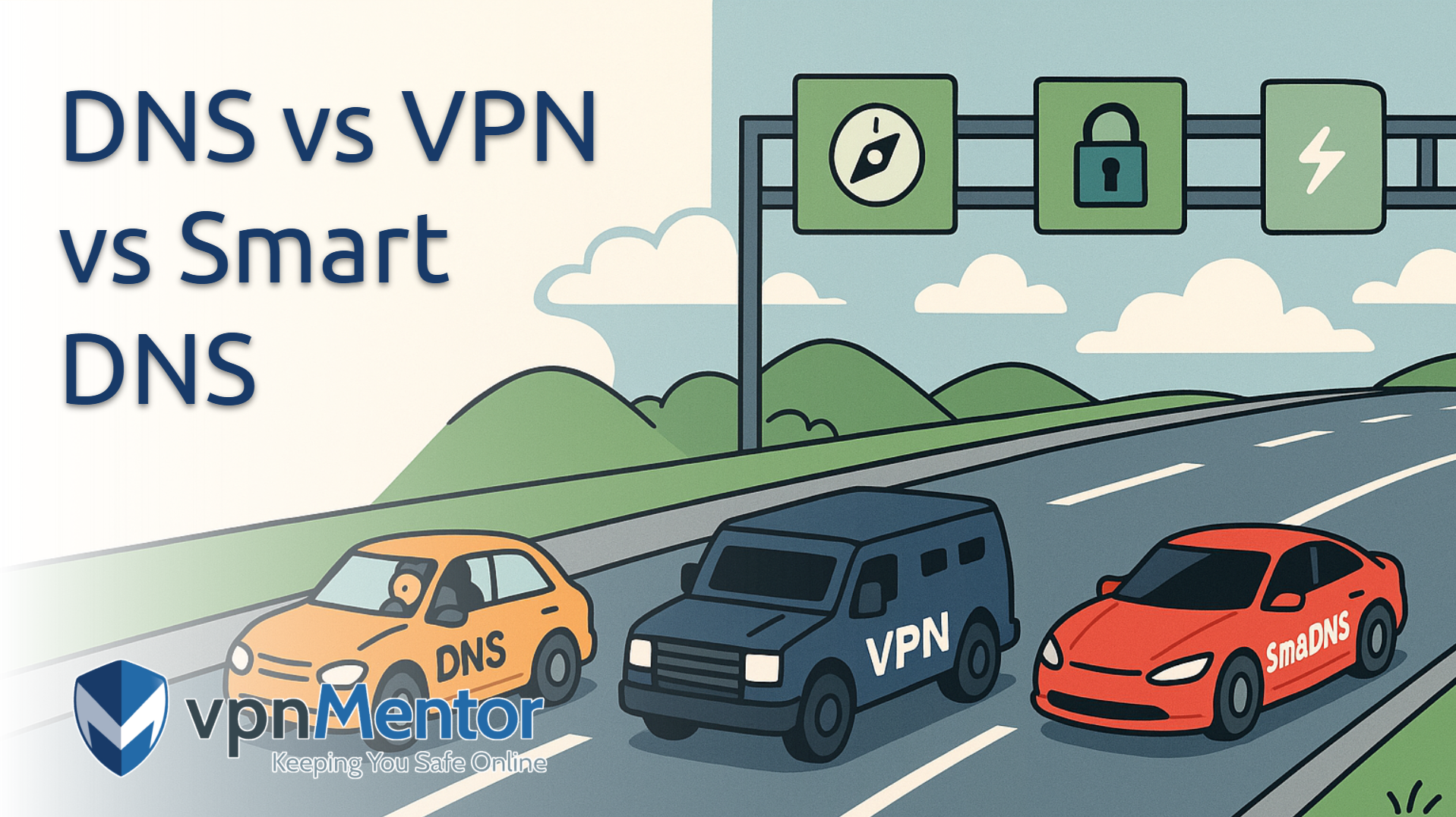
DNS vs VPN vs SmartDNS
Let’s dive into each one so you can figure out which best suits your needs:
What Is DNS and Custom DNS?
DNS is like the internet’s phonebook — it translates website names (like google.com) into IP addresses that servers can understand. By default, your Internet Service Provider (ISP) handles your DNS, but switching to a custom DNS like 1.1.1.1 (Cloudflare) or 8.8.8.8 (Google) can help speed things up and even add a little extra privacy, as it makes it harder for your ISP to monitor the websites you visit. Cloudflare’s DNS ranks among the fastest resolvers globally, with an average speed of about 15.21ms2.
Keep in mind, though, that DNS doesn’t encrypt your traffic. So, while it might improve speed, your ISP can still see your general activity, and you’re unprotected on public WiFi. If you want to change your DNS settings, here’s how:
Step 1. Open your device’s network settings. On Windows, go to Network & Internet, then click on Wi-Fi or Ethernet (depending on your connection type). On Macs and Linux, go to Network, and on iOS and Android, you’ll find it under Wi-Fi.
 You can configure a DNS to work with all networks
Step 2. Look for the DNS settings under the DNS server assignment section. Click on Edit.
 Automatic (DHCP) lets your device automatically get network settings from the router
Step 3. Enter the custom DNS addresses: 1.1.1.1 and 1.0.0.1 (Cloudflare) or 8.8.8.8 and 8.8.4.4 (Google).
 You can also set a manual DNS for the iPv6 protocol
What is SmartDNS?
SmartDNS is ideal for streamers who want access to region-locked content without the slowdown of full encryption. It works by redirecting specific DNS requests that reveal your location, using proxy servers to make it appear as though you're in a different country.
Because it only targets certain traffic and doesn’t encrypt your data, SmartDNS is much faster than a VPN for streaming. Just keep in mind that it’s designed for convenience, not privacy — so while it’s great for unblocking content, it won’t protect your online activity from snooping.
What is a VPN?
A Virtual Private Network (VPN) encrypts all your internet traffic and routes it through a secure server in a location of your choice. This not only disguises your real IP address but also protects your data from snoopers, hackers, and ISP throttling. According to a study, around 40% of the total VPN users rely on them to prevent tracking from search engines or social media sites3.
With the popularity of VPNs soaring — nearly one-third of internet users rely on them — they’re widely recognized as the go-to solution for privacy, secure browsing, and accessing region-locked services. Plus, an overwhelming 93% of organizations globally rely on VPN services4, driven by rising concerns over privacy, security, and the need for unfettered access to information.
While they can sometimes reduce your connection speed, many premium VPNs now offer optimized servers that keep buffering to a minimum.
Types of DNS, VPNs, and Smart DNS
There’s no one-size-fits-all when it comes to DNS, VPNs, or Smart DNS — each type is designed for specific needs, from speeding up lookups to securing networks to unblocking content. Here's a quick overview of the most common types and what they're used for:
DNS Types:
- Recursive DNS: Handles lookup requests by querying other servers on your behalf.
- Authoritative DNS: Stores and answers with the original domain records.
- Dynamic DNS (DDNS): Automatically updates DNS records for devices with changing IP addresses.
- Public DNS: Freely available services like Google DNS or Cloudflare’s 1.1.1.1.
- Private DNS: Used within organizations to manage internal traffic securely.
VPN Types:
- Remote access VPN: Lets individuals connect securely to a private network from anywhere.
- Site-to-site VPN: Connects entire networks (like office locations) over the internet.
- SSL/TLS VPN: Runs through a browser for easy, software-free access.
- IPSec VPN: Encrypts data at the network level for strong protection.
- Client-based VPN: Requires an app for access and control.
- Cloud VPN: Hosted in the cloud for flexible, remote access.
Smart DNS Types:
- Region-specific Smart DNS: Helps bypass restrictions in certain countries.
- Streaming-focused Smart DNS: Tailored for platforms like Netflix or Hulu.
- ISP-provided Smart DNS: Comes preconfigured from some internet providers.
- Customizable Smart DNS: Lets you tweak DNS settings manually.
- Dedicated Smart DNS: Built for businesses or specific devices like game consoles.
Where Can I Use DNS and VPN Online?
DNS and VPNs are super versatile and can be used together across various online activities, especially when you want to bypass geo-restrictions or keep your data secure. Here are a few common uses:
- Streaming. Safely access the popular streaming platforms (like Netflix, Hulu, and BBC iPlayer) from anywhere.
- Gaming. Reduce lag (prevent ISP speed throttling) and protect yourself from DDoS attacks with custom DNS and VPN servers (DDoS attacks will hit the VPN servers, rather than your home network).
- Online banking and email. Keep your transactions and communications safe with encryption.
- Work and remote access. Securely connect to company resources, even when faced with regional firewalls.
Best VPNs With Smart DNS in 2026
Each of these VPNs comes with fast speeds and robust security features for uninterrupted and private browsing. They also include Smart DNS options for seamless streaming. Here’s a quick overview of each recommended service:
Quick Comparison Table: VPNs vs DNS vs SmartDNS
I’ve highlighted the most important features to consider — like top-notch security, broad coverage, and ease of setup — to help you decide which option best suits your online needs:
| Custom DNS | SmartDNS | VPN | |
| Encryption | ❌ | ❌ | ✅ Yes — your internet traffic is fully encrypted |
| IP Address Masking | ❌ | ❌ | ✅ Yes — your real IP address is hidden |
| Privacy Protection | Minimal — ISPs can still track you | Minimal — doesn’t conceal your identity | High — encrypts data and masks your IP, protecting against third-party snooping |
| Security Features | Basic DNS-based approach (if any), generally no advanced protections | Primarily focuses on bypassing geo-restrictions; few additional security options | Comprehensive — kill switch, leak protection, and strong encryption for robust privacy |
| Bypassing Censorship | Limited — can evade basic DNS blocks, but won’t bypass more sophisticated censorship | Useful for unblocking certain streaming sites, but not built for heavy censorship | Very effective — VPN tunnels can circumvent firewalls and deep packet inspection |
| Unblocking Content | Limited — may bypass only minor geo-blocks | Great for streaming services (Netflix, Hulu, etc.), but doesn’t secure all traffic | Excellent — can unlock most geo-restricted platforms and region-locked websites |
| Speeds | Typically fast — no encryption overhead | Typically fast — re-routes only DNS queries | Can be slightly slower due to encryption, though premium VPNs minimize the speed drop |
| Setup Complexity | Generally easy — just change DNS settings in your device/router | Straightforward, though might require manual setup on certain devices | Usually user-friendly apps for all major platforms; advanced features are optional |
| Cost | Often free (using a public or custom DNS service) | Usually subscription-based, but often cheaper than full VPNs | Typically subscription-based, ranging from a few dollars to $10+ per month |
| Best For | Basic browsing, mild performance boost, bypassing simple blocks | Accessing streaming services on devices that lack native VPN support | Privacy, security, and comprehensive unblocking of websites and streaming platforms worldwide |
How to Decide Between DNS and VPN
Trying to choose between DNS and a VPN? It really comes down to what matters most to you — speed, privacy, or a mix of both. DNS is great for speeding up your connection and handling simple access issues, while VPNs are the go-to for privacy, security, and getting around tougher restrictions. Here’s a quick breakdown to help you figure out what fits best:
- Privacy and protection. Want to keep your data private and hide your IP address? A VPN has you covered with strong encryption and IP masking.
- Speed. DNS can give you a slight speed boost since there's no encryption involved, but it won't protect your traffic from snooping.
- Accessing content. DNS changes might help with basic content restrictions, but if you're dealing with stricter firewalls, VPNs tend to be more reliable.
- Cost. Tweaking your DNS settings is usually free or low-cost. VPNs, especially good ones, typically require an ongoing subscription.
- Setup. DNS settings are pretty easy to change manually. VPNs are just as user-friendly these days, with simple apps for most devices.
- Device support. DNS can work on nearly anything if you’re willing to configure it. VPNs offer dedicated apps, which makes setup even easier across multiple platforms.
- Extra features. VPNs often include added perks like kill switches, malware blocking, and multi-hop servers for better security and control.
Which Is Better: Custom DNS, Smart DNS, or VPNs?
We ran internal tests comparing custom DNS, Smart DNS, and VPNs to see how each one stacks up in terms of speed, content access, and privacy. Here’s a quick breakdown of what we found:
| Category | Best Option |
| Speed | Custom DNS — fastest performance with no encryption overhead |
| Bypassing Restrictions | VPN — most reliable for accessing blocked content and bypassing censorship |
| Privacy and Security | VPN — encrypts your traffic and hides your IP address |
| Price | Custom DNS & Smart DNS — usually free or cheaper than premium VPNs |
| Device Compatibility | All three — work across most devices, with varying setup requirements |
| Torrenting | VPN — offers port forwarding, IP masking, and encryption for safer torrenting |
Check out more of our expert guides on the best VPNs:
- Best VPNs for Movies — Safely access your favorite sites from anywhere.
- Fastest VPN Services — See which VPNs offer high-speed connections for streaming, gaming, and torrenting without delays.
- How to Unblock Websites at School, Work & Home — Learn how to easily access the websites you need on restrictive networks.
- Best Gaming VPNs: Android, PC, Consoles & More — Check out the top VPN for lag-free gaming.
FAQs
Is 1.1.1.1 DNS a VPN?
No, 1.1.1.1 is not a VPN — it's a free public DNS resolver provided by Cloudflare that helps speed up your internet and improve privacy by handling your DNS queries securely, but it doesn't encrypt your full internet traffic or hide your IP address like a VPN does.
Can I use DNS and VPN at the same time?
Yes, you can use DNS and a VPN at the same time — in fact, many VPN providers offer built-in SmartDNS features that let you combine the privacy of a VPN with the speed and streaming convenience of DNS. For example, services like ExpressVPN include SmartDNS (called MediaStreamer) so you can protect your traffic on one device while optimizing others for smoother streaming.
Why does DNS make use of UDP instead of TCP?
DNS typically uses UDP for most standard queries because it’s faster and more efficient — perfect for quick, one-off lookups that fit in small packets. But when responses are too large or certain operations are involved (like DNSSEC or zone transfers), DNS automatically switches to TCP for reliability and completeness.
What is a DNS leak?
A DNS leak is when your device sends DNS requests outside the encrypted VPN tunnel, typically to your internet service provider’s DNS servers, instead of routing them through the VPN. This exposes the domain names of the websites you visit, even if the rest of your internet traffic is encrypted and your IP address is hidden. Make sure you use a premium VPN to avoid DNS leaks.
DNS leaks can happen due to misconfigured network settings, operating system behavior, or VPNs that don’t fully protect DNS queries, and they undermine the privacy and anonymity a VPN is supposed to provide. You can easily check for DNS leaks yourself.
What is the DNS server 1.1.1.1 or 8.8.8.8?
1.1.1.1 and 8.8.8.8 are public DNS servers provided by Cloudflare and Google, respectively, that anyone can use to resolve domain names (like turning example.com into an IP address). They're known for being fast, reliable, and more private alternatives to the DNS servers offered by most internet service providers. Cloudflare’s 1.1.1.1 emphasizes speed and privacy, while Google’s 8.8.8.8 is popular for its stability and wide compatibility.
References
- https://www.statista.com/statistics/1343692/worldwide-virtual-private-network-reasons-usage/?utm_source=chatgpt.com
- https://www.dnsperf.com/#!dns-resolvers
- https://www.security.org/resources/vpn-consumer-report-annual/
- https://www.demandsage.com/vpn-statistics/
Your online activity may be visible to the sites you visit
Your IP Address:
216.73.216.221
Your Location:
US, Ohio, Columbus
Your Internet Provider:
Some sites might use these details for advertising, analytics, or tracking your online preferences.
To protect your data from the websites you visit, one of the most effective steps is to hide your IP address, which can reveal your location, identity, and browsing habits. Using a virtual private network (VPN) masks your real IP by routing your internet traffic through a secure server, making it appear as though you're browsing from a different location. A VPN also encrypts your connection, keeping your data safe from surveillance and unauthorized access.
About the Author
Husain Parvez is a former writer at vpnMentor, focusing on VPN reviews, detailed how-to guides, and hands-on tutorials. Husain was also a part of the vpnMentor Cybersecurity News bulletin and loved covering the latest events in cyberspace and data privacy.

Please, comment on how to improve this article. Your feedback matters!